

12 Simple Ways to Make Your Laptop Battery Last Longer

Running out of battery at the worst moment is frustrating. These simple habits will help you get more out of every charge and extend your battery’s lifespan.

Get more from each charge

  1. Lower your screen brightness. The display is one of the biggest power users.
  2. Use battery saver mode. It limits background activity and tweaks performance to save power.
  3. Close unused apps and tabs. Each one uses memory and processor time.
  4. Turn off keyboard backlighting when you don’t need it.
  5. Disconnect unused accessories. USB devices draw power even when idle.
  6. Switch off Bluetooth if you’re not using wireless devices.
  7. Use dark mode. On OLED screens it can noticeably reduce power use.
  8. Stream less, download more. Downloading content once uses less power than streaming continuously.

Keep your battery healthy long-term

  1. Avoid extreme heat. Don’t leave your laptop in a hot car, and keep vents clear.
  2. Don’t always charge to 100%. Many laptops have a setting to cap charging at around 80% when plugged in for long periods.
  3. Avoid draining to 0% regularly. Modern lithium-ion batteries prefer partial charges.
  4. Keep your system updated. Updates often include power-management improvements.

Know when to upgrade

If your laptop barely lasts a couple of hours even after these tips, the battery may be worn out. That can be a good time to replace the battery or upgrade to a newer, more efficient machine.

Our pick

Want all-day power out of the box? The NovaBook Air 13 is rated for up to 15 hours on a single charge. Check out the NovaBook Air 13 Laptop in our shop.
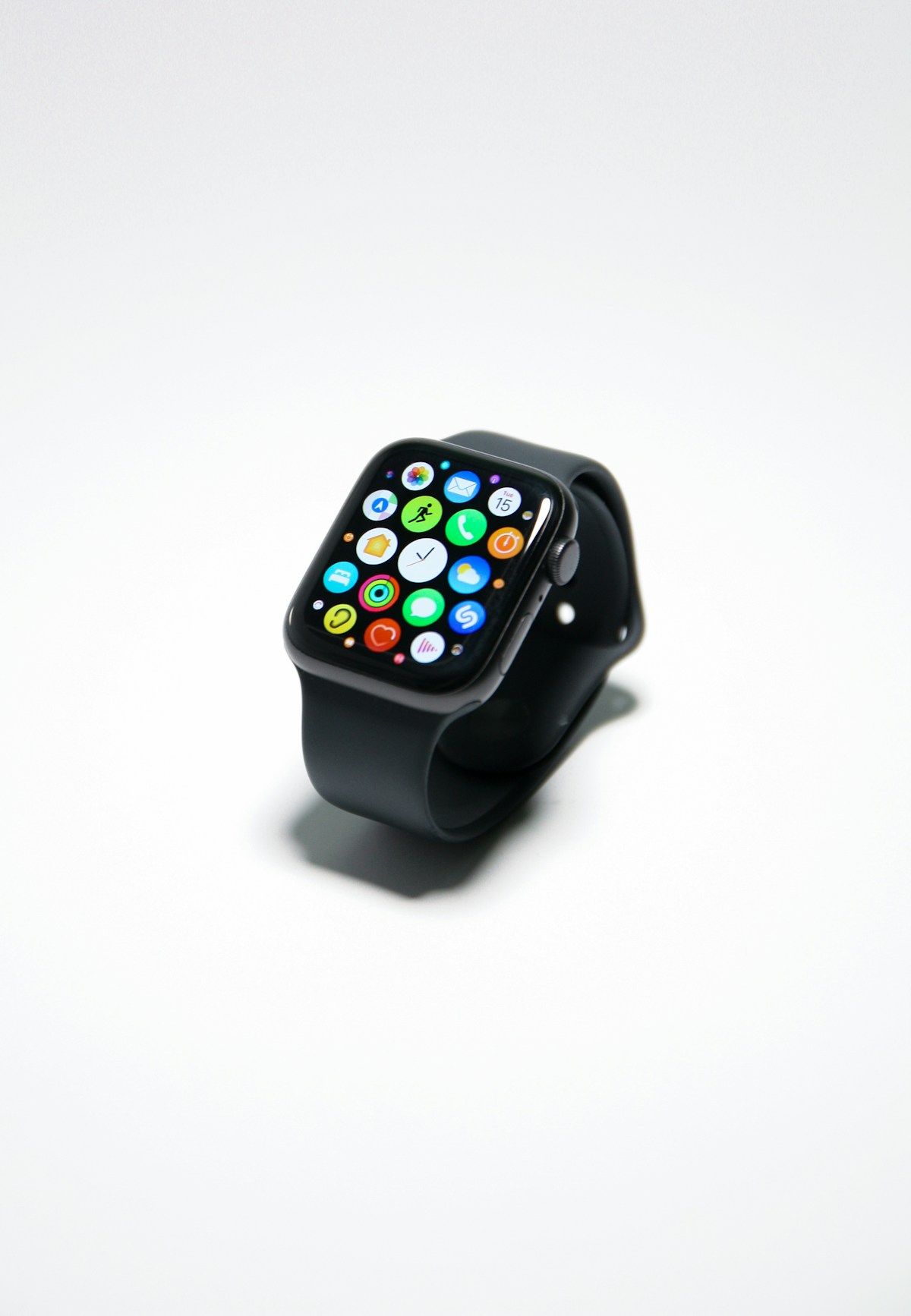
10 Smartwatch Features You’re Probably Not Using (But Should)

Most people use their smartwatch to check the time, read notifications and count steps. But modern watches can do much more. Here are ten features worth exploring.

  1. Sleep tracking. Wear your watch to bed to see how long you spend in light, deep and REM sleep, and spot habits that affect your rest.
  2. Find my phone. Make your phone ring from your wrist when it is lost between the sofa cushions.
  3. Breathing exercises. Short guided breathing sessions can help you reset during a stressful day.
  4. Inactivity reminders. A gentle nudge to stand up and move every hour is great for desk workers.
  5. Custom watch faces. Put the information you care about most, like weather, calendar or heart rate, right on the main screen.
  6. Quick replies. Respond to messages with preset replies without touching your phone.
  7. Timers and alarms. A silent vibrating alarm on your wrist wakes you without disturbing anyone else.
  8. Music controls. Skip tracks and adjust volume while your phone stays in your pocket or bag.
  9. Workout auto-detection. Many watches recognise when you start walking or running and begin tracking automatically.
  10. Heart-rate alerts. Get notified if your resting heart rate is unusually high or low.

Make it a habit

Pick two or three of these features and use them for a week. You will quickly find which ones make a real difference to your day.

Our pick

Ready to upgrade? The PulseFit S2 supports heart-rate, SpO2 and sleep tracking, GPS and much more. Check out the PulseFit Smartwatch S2 in our shop.