
12 Simple Ways to Make Your Laptop Battery Last Longer

Running out of battery at the worst moment is frustrating. These simple habits will help you get more out of every charge and extend your battery’s lifespan.

Get more from each charge

  1. Lower your screen brightness. The display is one of the biggest power users.
  2. Use battery saver mode. It limits background activity and tweaks performance to save power.
  3. Close unused apps and tabs. Each one uses memory and processor time.
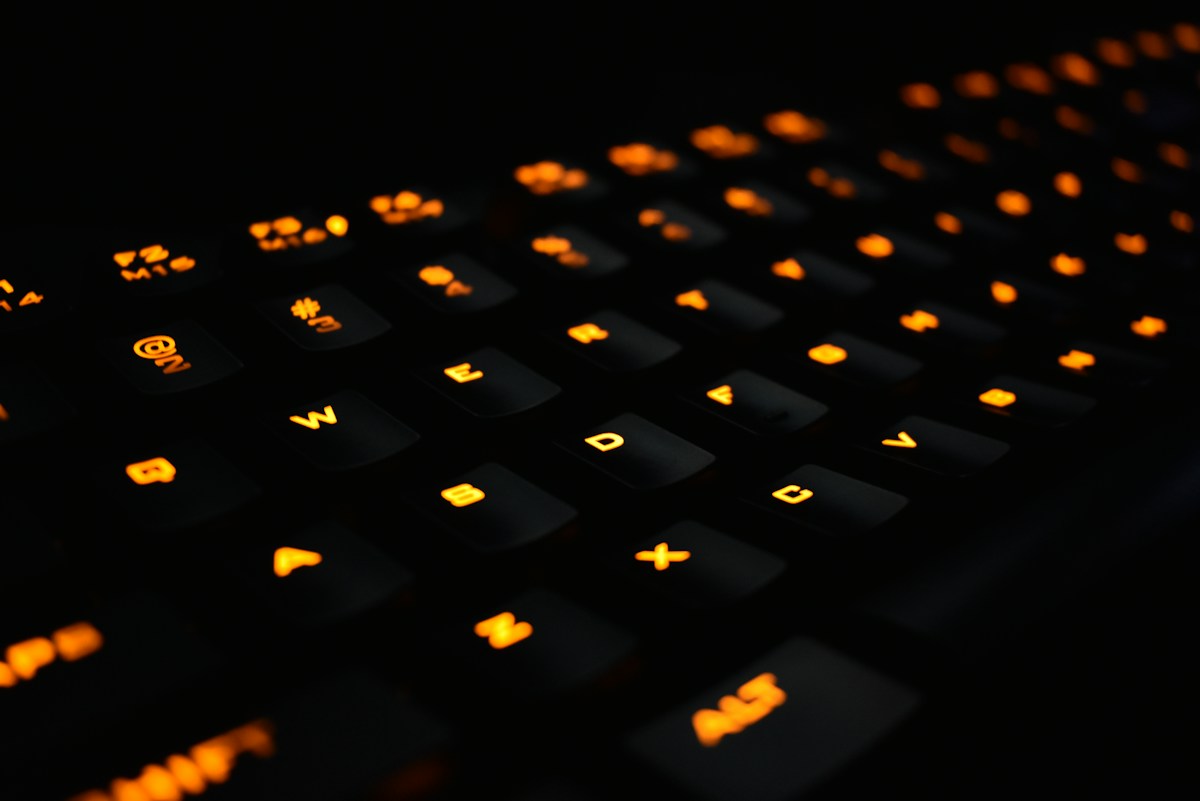
  4. Turn off keyboard backlighting when you don’t need it.
  5. Disconnect unused accessories. USB devices draw power even when idle.
  6. Switch off Bluetooth if you’re not using wireless devices.
  7. Use dark mode. On OLED screens it can noticeably reduce power use.
  8. Stream less, download more. Downloading content once uses less power than streaming continuously.

Keep your battery healthy long-term

  1. Avoid extreme heat. Don’t leave your laptop in a hot car, and keep vents clear.
  2. Don’t always charge to 100%. Many laptops have a setting to cap charging at around 80% when plugged in for long periods.
  3. Avoid draining to 0% regularly. Modern lithium-ion batteries prefer partial charges.
  4. Keep your system updated. Updates often include power-management improvements.

Know when to upgrade

If your laptop barely lasts a couple of hours even after these tips, the battery may be worn out. That can be a good time to replace the battery or upgrade to a newer, more efficient machine.

Our pick

Want all-day power out of the box? The NovaBook Air 13 is rated for up to 15 hours on a single charge. Check out the NovaBook Air 13 Laptop in our shop.
How to Choose a Laptop for Work and Study in 2026

Buying a laptop is a big investment. Spec sheets are full of jargon, but you only need to understand a few key things to make a smart choice.

RAM: 16GB is the new standard

RAM lets your laptop juggle multiple apps and browser tabs at once. For everyday work and study in 2026, 16GB is the sweet spot. 8GB can feel sluggish with modern apps.

Storage: go SSD

A solid-state drive (SSD) makes your laptop boot and open apps far faster than an old hard drive. 512GB is a comfortable amount for most people, especially if you also use cloud storage.

Processor

A modern mid-range processor is more than enough for documents, web browsing, video calls and light photo editing. Only video editors, 3D artists and serious gamers need top-tier chips.

Screen size and weight

A 13 to 14-inch laptop is the best balance of portability and usability. If you carry your laptop every day, aim for around 1.3 kg or less.

Battery life

Look for a manufacturer rating of 12 hours or more so you can get through a full day of lectures or meetings without hunting for an outlet.

Ports and connectivity

Check you have the ports you need: USB-C for charging and displays, USB-A for older accessories, and Wi-Fi 6 or 6E for fast, reliable internet.

Quick checklist

  • 16GB RAM
  • 512GB SSD
  • 13 to 14-inch screen
  • 12+ hours battery
  • USB-C and Wi-Fi 6/6E

Our pick

The NovaBook Air 13 hits every point: 16GB RAM, 512GB SSD, up to 15 hours of battery and just 1.1 kg. Check out the NovaBook Air 13 Laptop in our shop.
Linear, Tactile or Clicky? A Beginner’s Guide to Mechanical Keyboard Switches

The switch under each key decides how a mechanical keyboard feels and sounds. There are three main types, and choosing the right one makes all the difference.

Linear switches

Linear switches move straight up and down with no bump or click. They are smooth and quiet, and many gamers love them for rapid, repeated keypresses.

Best for: fast-paced gaming and anyone who wants a smooth, quiet feel.

Tactile switches

Tactile switches have a small bump partway through the keypress, letting you feel the moment the key registers. This feedback helps you type accurately without pressing every key all the way down.

Best for: typing, programming and mixed use. A great all-rounder.

Clicky switches

Clicky switches combine a tactile bump with an audible click. They are very satisfying to type on, but loud, so they might not be popular in a shared office.

Best for: people who love feedback and work alone.

Other things to consider

  • Actuation force: how hard you need to press. Lighter switches feel faster; heavier ones help prevent accidental presses.
  • Travel distance: how far the key moves before it registers.
  • Hot-swappable boards: let you change switches without soldering.

Still not sure?

Tactile switches are the safest starting point. They offer a good balance of feedback and noise for both work and play.

Our pick

New to mechanical keyboards? The Ember RGB uses tactile switches, an ideal all-rounder for gaming and typing. Check out the Ember RGB Mechanical Gaming Keyboard in our shop.

Mechanical vs Membrane Keyboards: Which Should You Buy?

If you spend hours typing or gaming, your keyboard is one of the most important tools on your desk. The biggest choice is between mechanical and membrane keyboards.

How membrane keyboards work

Membrane keyboards use a rubber dome under each key. Pressing the key pushes the dome down to complete a circuit. They are quiet, affordable and common on office and laptop keyboards, but they can feel “mushy”.

How mechanical keyboards work

Mechanical keyboards have an individual switch with a spring under every key. This gives a crisp, consistent feel and lets you choose exactly how each keypress feels and sounds.

Head-to-head comparison

  • Feel: Mechanical keys are more precise and consistent. Membrane keys are softer.
  • Durability: Mechanical switches are typically rated for tens of millions of keystrokes, far more than most membrane boards.
  • Noise: Membrane is quieter. Mechanical noise depends on the switch type.
  • Customisation: Mechanical keyboards often support swappable keycaps and per-key lighting.
  • Price: Membrane is cheaper, but a mechanical keyboard can last for many years.

Who should go mechanical?

Gamers benefit from fast, precise keypresses and features like N-key rollover, which registers every key even when many are pressed at once. Writers and programmers often find mechanical keyboards more comfortable and less tiring over long sessions.

The verdict

If you type or game for more than a couple of hours a day, a mechanical keyboard is one of the best upgrades you can make to your setup.

Our pick

Try the Ember RGB with tactile mechanical switches, N-key rollover, per-key RGB and an aluminium top plate. Check out the Ember RGB Mechanical Gaming Keyboard in our shop.

What to Look for in a Portable Speaker for Camping, Beach and Pool Days

A great portable speaker turns any campsite, beach or backyard into a party. But outdoor use is tough on electronics. Here is what to look for.

Durability first

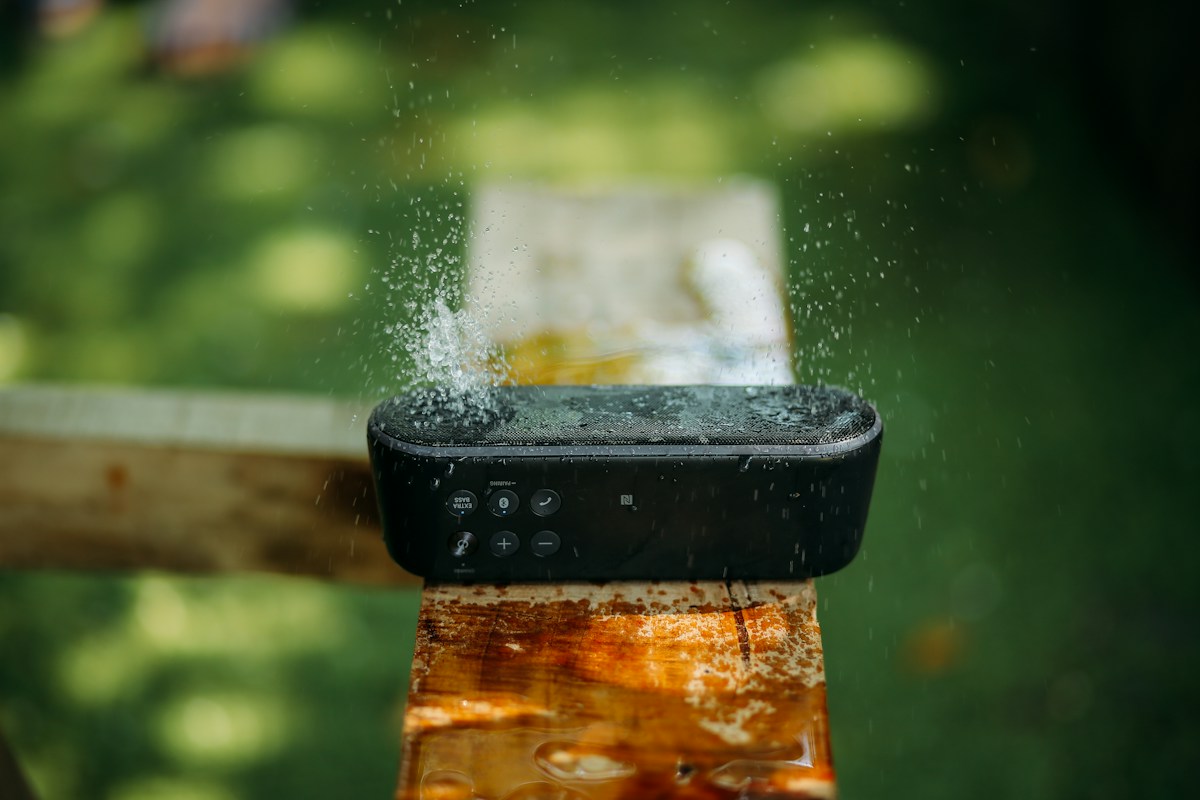
Outdoors means sand, dust, splashes and the occasional drop. Choose a speaker with at least an IPX7 waterproof rating and a rugged, rubberised body.

Battery life

You won’t always have a power outlet nearby. Aim for 15 hours or more of playtime so the music lasts the whole day. Some speakers can even charge your phone via USB.

Sound that carries

Sound disperses quickly outdoors, with no walls to bounce off. Look for a speaker with strong bass, often labelled as an “extra bass” or “bass boost” mode, and enough volume to fill open space without distorting.

Stereo pairing

Pairing two speakers together for left and right stereo sound gives a much bigger, fuller sound, which is great for larger groups.

Size and portability

A speaker that fits in a backpack side pocket or comes with a carry strap is far more likely to come along on every trip.

Be a good neighbour

Keep the volume considerate at campsites and beaches, and check any local rules about amplified music.

Packing checklist

  • Fully charged speaker
  • Charging cable and a power bank
  • Offline playlists downloaded in advance
  • A dry bag for extra protection

Our pick

The StormBox offers IPX7 protection, an Extra Bass mode, 20 hours of playtime and stereo pairing. Check out the StormBox Waterproof Bluetooth Speaker in our shop.

IPX Ratings Explained: How Waterproof Is Your Bluetooth Speaker?

If you have shopped for a portable speaker, earbuds or a smartwatch, you have probably seen codes like IPX4 or IP67. These are Ingress Protection ratings, an international standard that describes how well a device resists dust and water.

How to read an IP rating

An IP rating has two digits. The first digit (0 to 6) is protection against solids like dust. The second digit (0 to 9) is protection against water. An “X” simply means the device was not tested for that category.

Common water ratings

  • IPX4: Protected against splashes from any direction. Fine for light rain and sweat.
  • IPX5: Protected against water jets. Handles heavier rain and a quick rinse under the tap.
  • IPX6: Protected against powerful water jets.
  • IPX7: Can be submerged in up to 1 metre of water for 30 minutes. Pool-side safe.
  • IPX8: Can survive continuous submersion beyond 1 metre (the manufacturer specifies the depth).

What about dust?

A first digit of 6 means the device is completely dust-tight, ideal for the beach or camping. IP67 means fully dust-tight and submersible to 1 metre.

Tips for protecting your gear

  • Close any port covers before exposing a device to water.
  • Rinse off salt water and chlorine with fresh water afterwards.
  • Let devices dry fully before charging.
  • Remember that water resistance can reduce over time with wear.

Our pick

Need a speaker that can take a splash? The StormBox is IPX7 waterproof and dustproof, built for the outdoors. Check out the StormBox Waterproof Bluetooth Speaker in our shop.

10 Smartwatch Features You’re Probably Not Using (But Should)

Most people use their smartwatch to check the time, read notifications and count steps. But modern watches can do much more. Here are ten features worth exploring.

  1. Sleep tracking. Wear your watch to bed to see how long you spend in light, deep and REM sleep, and spot habits that affect your rest.
  2. Find my phone. Make your phone ring from your wrist when it is lost between the sofa cushions.
  3. Breathing exercises. Short guided breathing sessions can help you reset during a stressful day.
  4. Inactivity reminders. A gentle nudge to stand up and move every hour is great for desk workers.
  5. Custom watch faces. Put the information you care about most, like weather, calendar or heart rate, right on the main screen.
  6. Quick replies. Respond to messages with preset replies without touching your phone.
  7. Timers and alarms. A silent vibrating alarm on your wrist wakes you without disturbing anyone else.
  8. Music controls. Skip tracks and adjust volume while your phone stays in your pocket or bag.
  9. Workout auto-detection. Many watches recognise when you start walking or running and begin tracking automatically.
  10. Heart-rate alerts. Get notified if your resting heart rate is unusually high or low.

Make it a habit

Pick two or three of these features and use them for a week. You will quickly find which ones make a real difference to your day.

Our pick

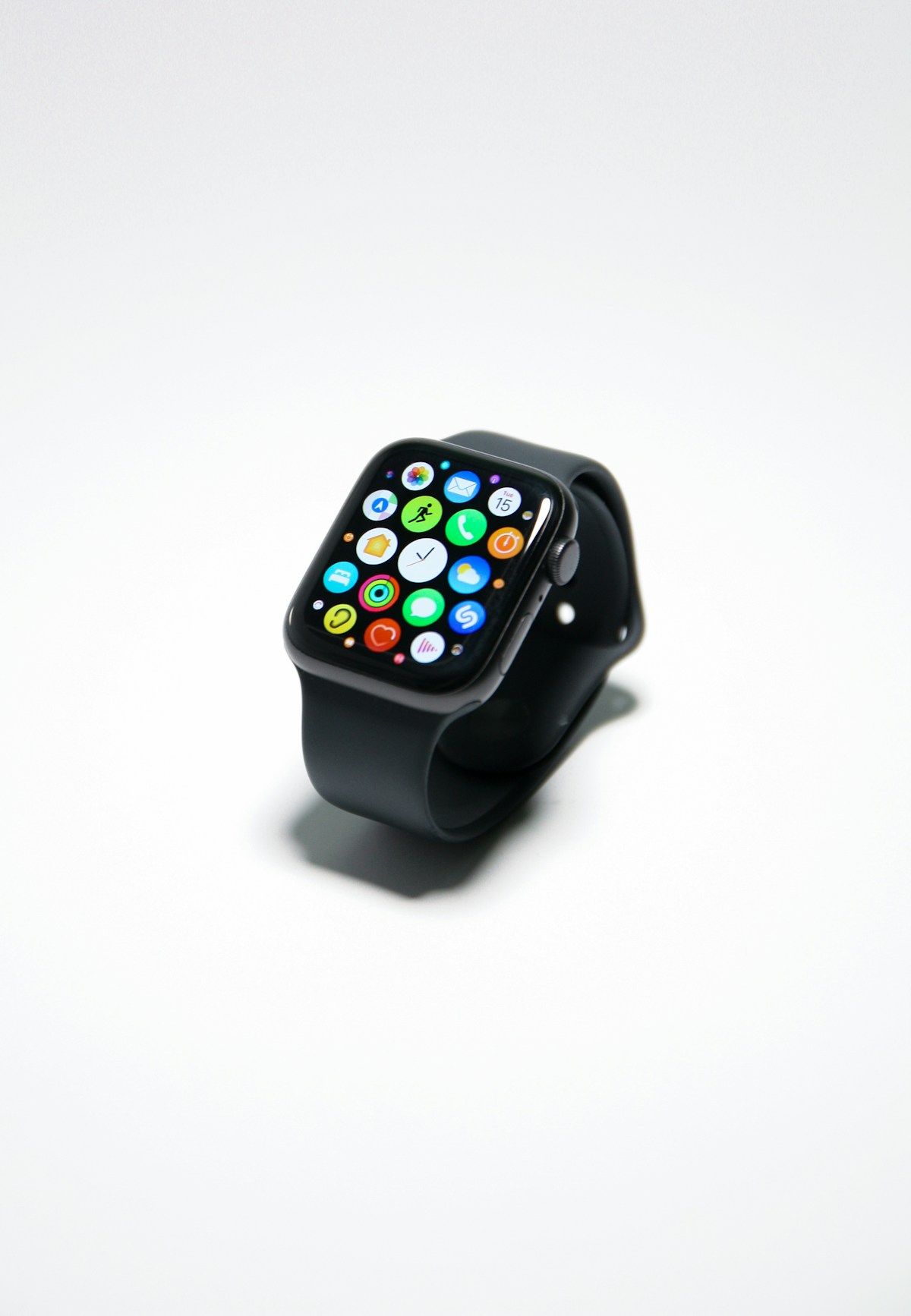
Ready to upgrade? The PulseFit S2 supports heart-rate, SpO2 and sleep tracking, GPS and much more. Check out the PulseFit Smartwatch S2 in our shop.

How to Choose a Smartwatch: 7 Features That Actually Matter

A good smartwatch can help you stay active, sleep better and spend less time pulling out your phone. But with so many options available, how do you pick the right one? Focus on these seven features.

1. Compatibility with your phone

Before anything else, make sure the watch works with your phone’s operating system. Some watches only support one platform or lose features on the other.

2. Battery life

Battery life varies hugely, from one day to over a week. If you want to track your sleep, you need a watch that lasts several days so you are not charging it every night.

3. Display

AMOLED screens are bright, colourful and easy to read outdoors. An always-on display lets you check the time without raising your wrist, though it uses more battery.

4. Health tracking

Most smartwatches now track heart rate, steps and sleep. Many also measure blood oxygen (SpO2). These metrics help you spot trends in your fitness and recovery over time.

5. Built-in GPS

If you run or cycle, built-in GPS lets you track distance and pace accurately without carrying your phone.

6. Water resistance

A rating of 5 ATM (50 m) means the watch can handle swimming in a pool, showering and rain. Anything less and you should avoid getting it wet.

7. Comfort and style

You will wear it all day, so choose a size that suits your wrist and a strap that is comfortable. Swappable straps let you change the look for work, workouts and evenings out.

Our pick

The PulseFit S2 delivers an always-on AMOLED display, built-in GPS, 50 m water resistance and up to 7 days of battery. Check out the PulseFit Smartwatch S2 in our shop.

Noise Cancelling vs Noise Isolating Headphones: What’s the Difference?

You will often see headphones described as “noise cancelling” or “noise isolating”. They sound similar, but the technology behind them is very different, and so is the price.

What is noise isolation?

Noise isolation is passive. It simply blocks sound physically, the same way earplugs do. Thick ear cushions on over-ear headphones or a tight seal from silicone ear tips create a barrier between your ears and the outside world.

Passive isolation works best on higher-frequency sounds like voices, keyboard clicks and clattering cutlery.

What is active noise cancellation?

Active noise cancellation (ANC) is electronic. Tiny microphones on the headphones listen to the noise around you, and a processor generates an inverted sound wave that cancels it out before it reaches your ears.

ANC is especially effective against constant, low-frequency sounds such as aeroplane engines, train rumble and air conditioning hum.

Which should you choose?

  • Frequent traveller or commuter? Go for ANC. It makes long journeys far less tiring.
  • Working in a busy office? ANC combined with good passive isolation gives the best results.
  • On a tight budget? Well-fitting noise-isolating headphones can still block a lot of sound.

The best of both worlds

The best headphones combine both: a comfortable, well-sealed over-ear design for passive isolation plus ANC for the low rumbles. Many also include a “transparency” or “ambient” mode that lets outside sound in when you need to hear announcements or have a quick chat.

Our pick

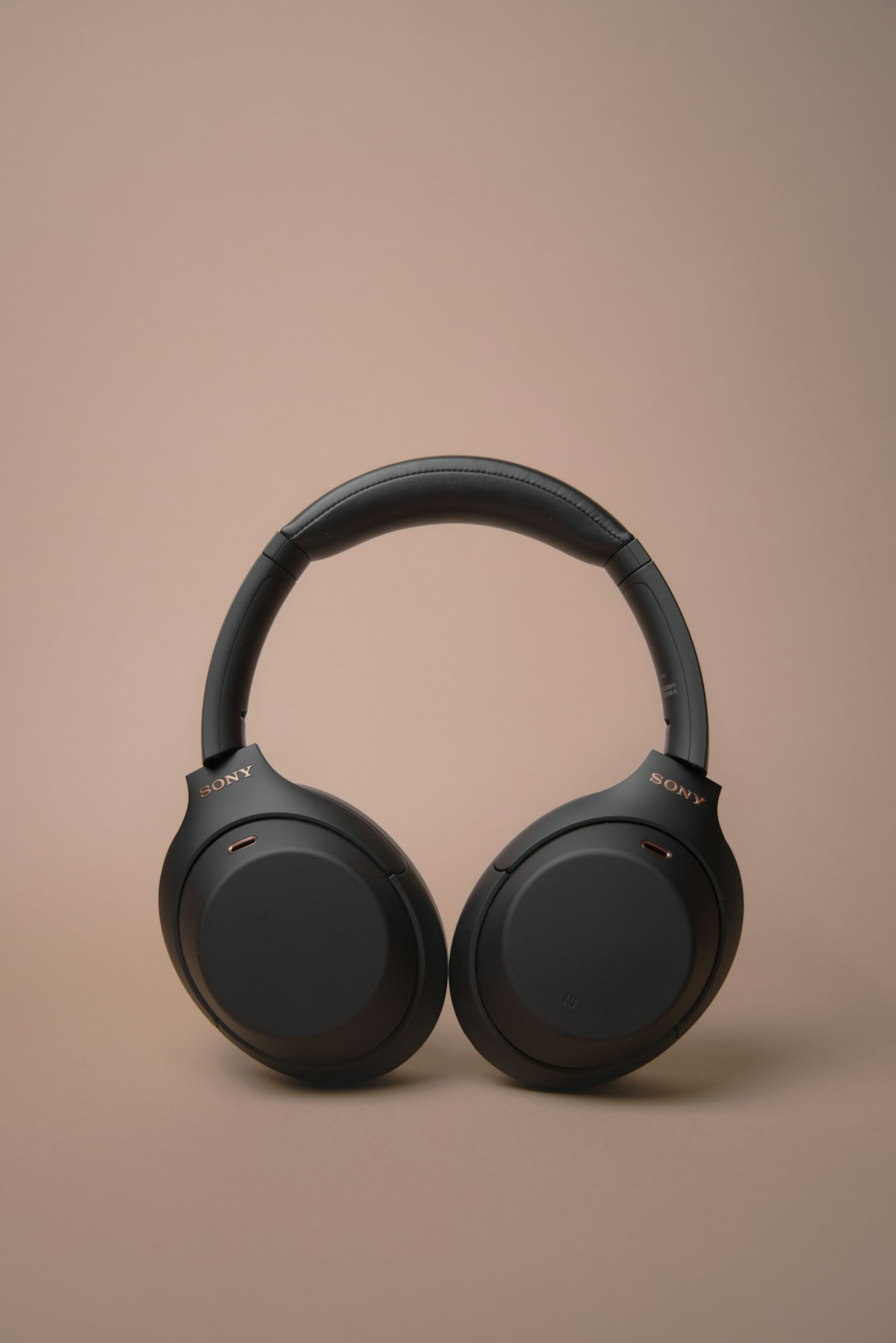
Want serious peace and quiet? The AuraSound Pro pairs plush over-ear cushions with active noise cancellation. Check out the AuraSound Pro Wireless Headphones in our shop.

How to Choose Wireless Headphones: The Complete 2026 Buying Guide

Wireless headphones have become an everyday essential, whether you are commuting, working from home or hitting the gym. With hundreds of models on the market, choosing the right pair can feel overwhelming. This guide breaks down the features that actually matter so you can buy with confidence.

1. Over-ear, on-ear or in-ear?

Over-ear headphones surround your ears completely. They offer the best sound isolation and comfort for long sessions. On-ear models are smaller and lighter but can press on your ears over time. In-ear earbuds are the most portable but usually have smaller batteries.

2. Active noise cancellation (ANC)

ANC uses microphones to detect outside sound and play an opposite signal to cancel it out. It is a game changer on planes, trains and in open-plan offices. If you travel or commute, put ANC at the top of your list.

3. Battery life

Look for at least 20 hours of playback with ANC switched on. Quick-charge support is a bonus: a few minutes of charging can give you hours of listening when you are in a hurry.

4. Bluetooth version and multipoint

Bluetooth 5.0 or newer gives you a more stable connection and better range. Multipoint pairing lets you connect to your phone and laptop at the same time and switch between them automatically, which is perfect for taking calls during work.

5. Comfort and build

Memory-foam ear cushions, an adjustable padded headband and a reasonable weight (under 300 g) make a big difference if you wear headphones for hours.

6. Call quality

If you take a lot of calls, check that the headphones have beamforming microphones that focus on your voice and reduce background noise.

Quick checklist

  • Over-ear design for comfort and isolation
  • Active noise cancellation
  • 20+ hours of battery life
  • Bluetooth 5.0+ with multipoint
  • Quick charge support

Our pick

Looking for a pair that ticks every box? Our AuraSound Pro offers ANC, 30-hour battery life and multipoint Bluetooth 5.3. Check out the AuraSound Pro Wireless Headphones in our shop.